Homepage concepts · 2026

One HVAC homepage.
Thirteen ways forward.

Each concept started as a quick mockup based on Figma’s 13 web design trends for 2026. 12 of them have since been critiqued against the trend and rebuilt as a working, responsive homepage.

The redesigns use Creature Comforts’ real services, family, hours and award, and most of the original mockups are kept, so you can compare. Look for the BeforeAfter switch at the top of each page.

013D and immersive elements

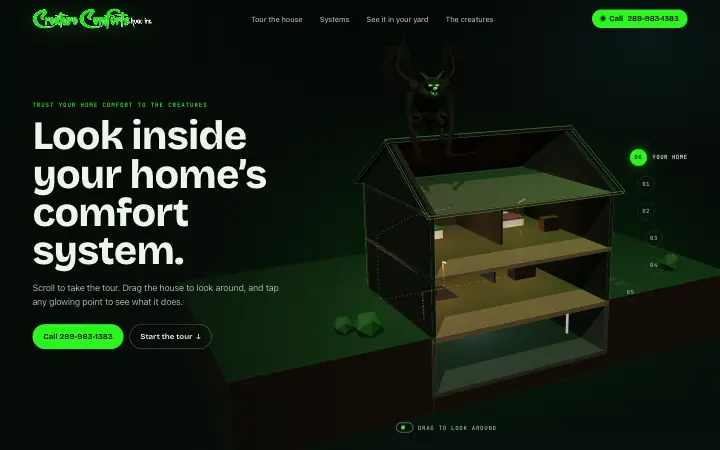
Look inside your home

A real-time 3D cut-away house you scroll through, from the furnace to the outdoor unit, with a gargoyle watching from the roof. Tap a glowing point to open that system, or view the outdoor unit in your own yard.
  • Scroll-driven 3D tour
  • Tap-to-explore systems
  • View in your yard (AR)

02Experimental navigation

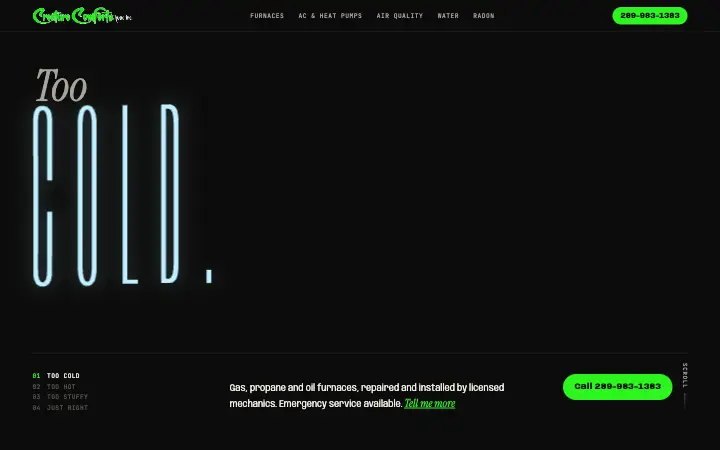
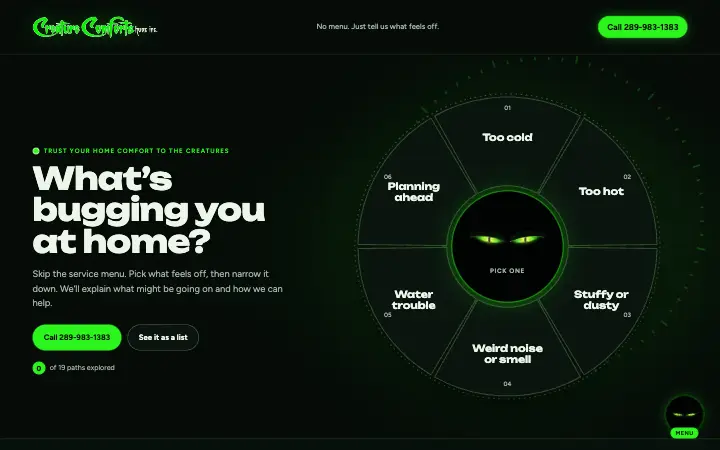
What’s bugging you?

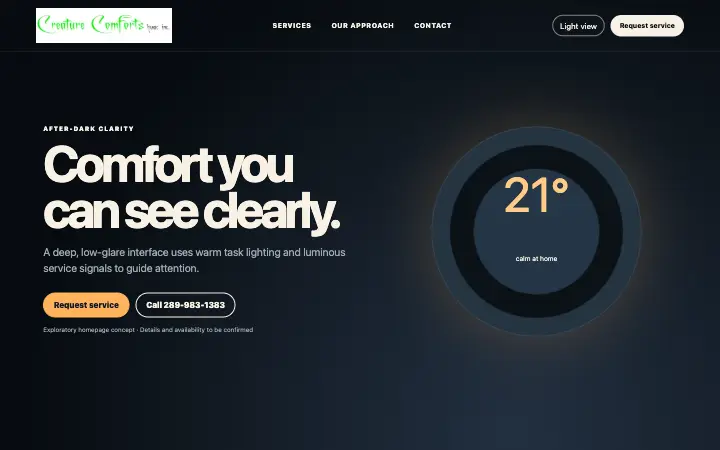
Skip the service menu. A dial asks how your home feels (too cold, too hot, stuffy, strange noises) and branches into the answers and the right service. Before: the original light version. After: dark, with glowing reptile eyes instead of a cute creature.

  • Mood dial navigation
  • Branching answers
  • Linkable paths

04Bold typography

Too cold. Too hot. Just right.

The type acts out the problem. A variable font shivers thin for COLD, swells for HOT and settles for RIGHT as you scroll, letters get heavier near your cursor, and the phone number is the biggest word on the page.

  • Scroll-scrubbed title sequence
  • Letters react to the pointer
  • Giant type service index

06Motion design and animation

Follow the air

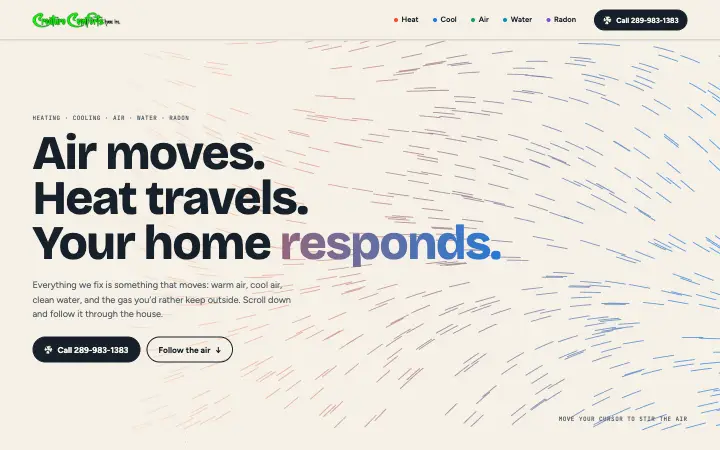
A live air field swirls around your cursor, then one line of air draws itself down the page through a furnace, heat pump, filter, water purifier and radon vent, each coming to life as the air arrives.

  • Pointer-reactive air field
  • Scroll-drawn air route
  • Summer/winter heat pump switch

07Gamified design

The Home Comfort Quest

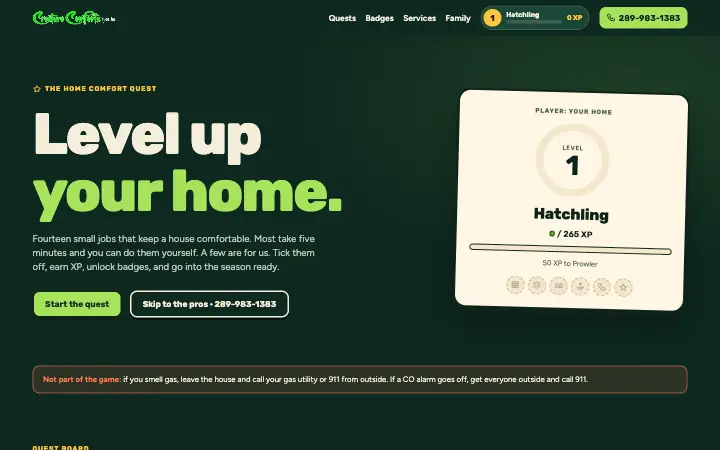
Fourteen real seasonal home-care quests on a clickable house map. Tick them off to earn XP, level up from Hatchling to Comfort Creature and unlock badges. The biggest rewards come from calling the pros, and safety stays outside the game.

  • Quest board and house map
  • XP, levels and badges
  • Progress saved in the browser

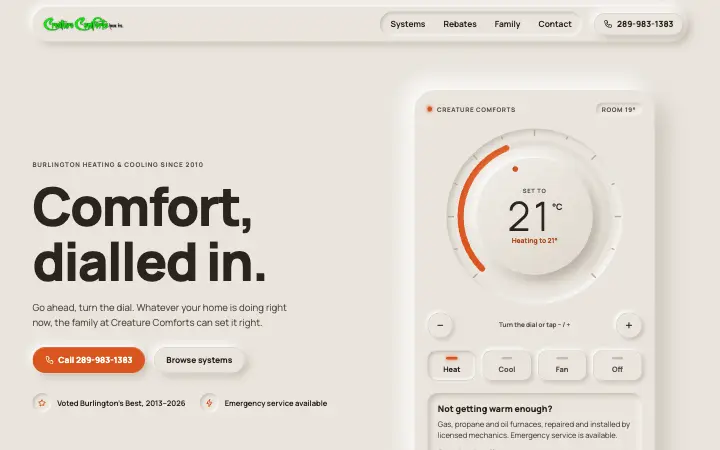
08Neumorphism

Comfort, dialled in

The homepage is a soft, physical thermostat. Turn the dial, press Heat, Cool, Fan or Off and the device recolours and suggests the right service. Services sit on a keypad of press-in keys with an inset display.

  • Working thermostat dial
  • Press-in mode buttons
  • Accessible contrast

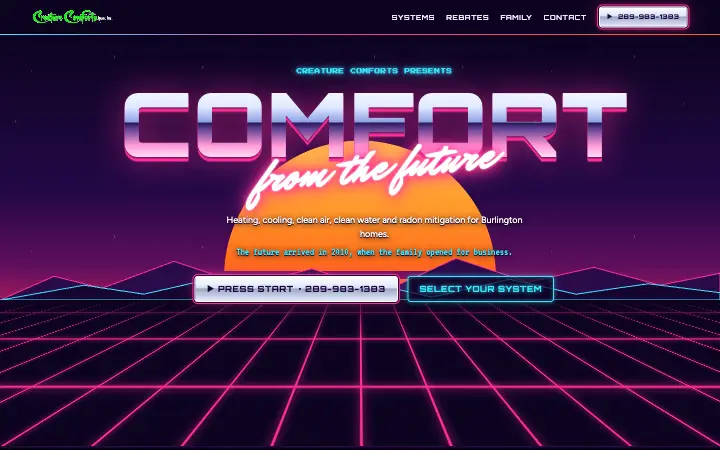
09Retrofuturism

Comfort from the future

An 80s vision of the future: synthwave sunset, neon grid, chrome type, pixel-art systems on an arcade “select your system” screen with a CRT readout, and the family in a Windows 95-style window.

  • Chrome and neon
  • Pixel-art arcade select
  • Early-web family page

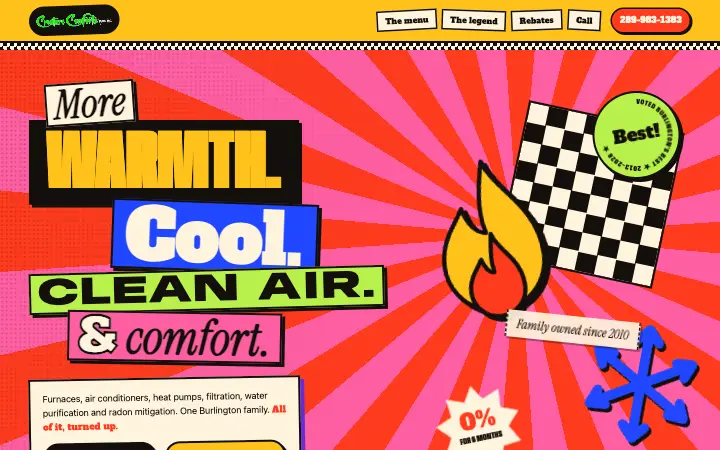
10Maximalism

All of it, turned up

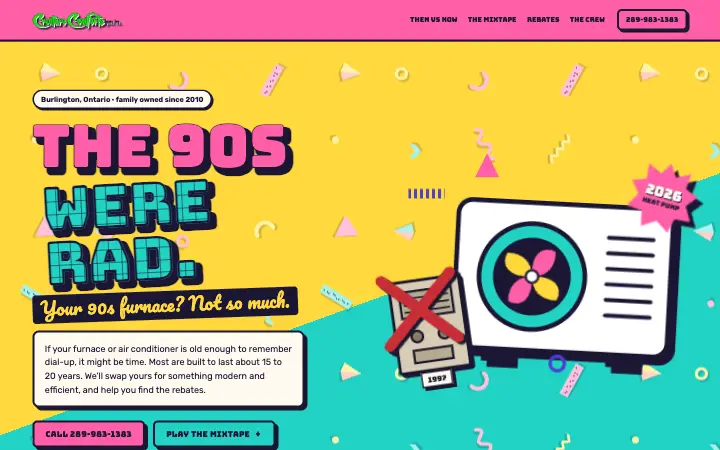
Stacked type in four typefaces, patterns on everything and stickers piled on stickers that drift apart as you move. A dense service “menu”, the legend of the creatures in story panels, and a phone number you can’t miss.

  • Layered parallax stickers
  • Crossing marquee bands
  • Bold storytelling

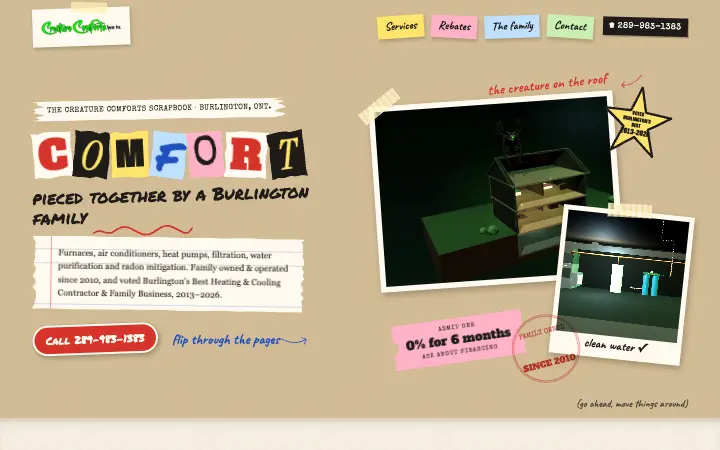
11Collage

The Creature Comforts scrapbook

A family scrapbook on kraft paper: ransom-note letters, taped photo prints of the 3D house, sticky notes, a clip-out rebates coupon and a postcard to call. Drag the stickers around, and marker doodles draw themselves in.

  • Torn paper and tape
  • Draggable stickers
  • Hand-drawn doodles

12Neo-brutalism / anti-design

What’s broken?

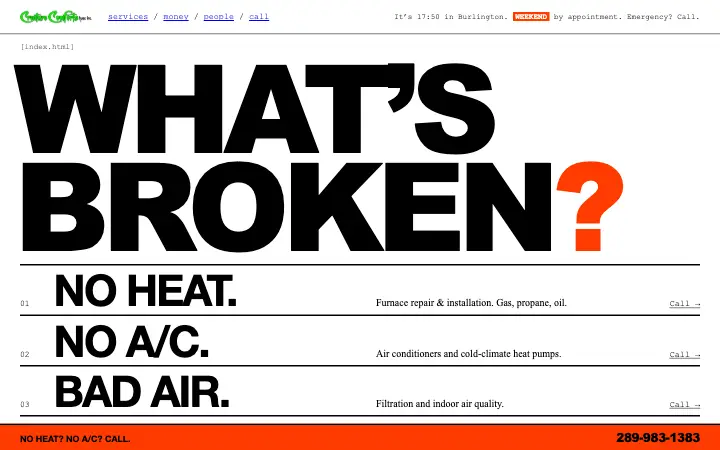
Raw and blunt: system fonts, blue links and a plain table. A giant “WHAT’S BROKEN?” lists problems that each call the office, a live open/closed status, a manifesto that crosses out marketing buzzwords, and an always-on call bar.

  • Anti-design, not a styled template
  • Live open/closed status
  • Always-visible call bar

13Sustainable web design

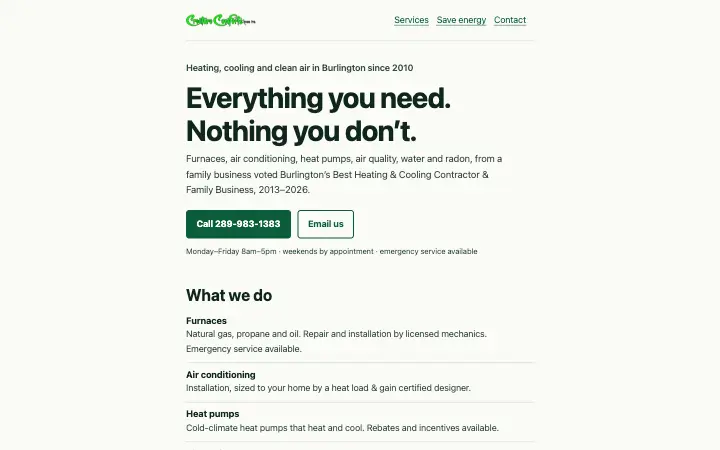
Everything you need. Nothing you don’t.

Two files and about 15 KB in total. No web fonts or tracking, AAA contrast in light and dark mode, keyboard and voice-control friendly, and a table that measures the page live in your browser. Plus real advice on using less energy at home.

  • About 15 KB, measured live
  • AAA accessible, dark mode
  • No tracking or dark patterns